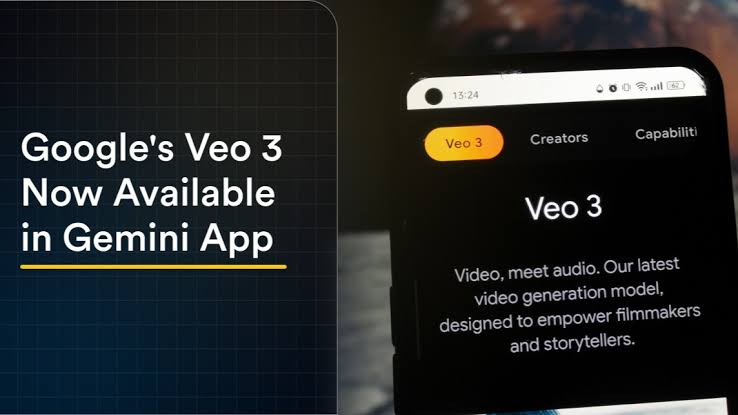
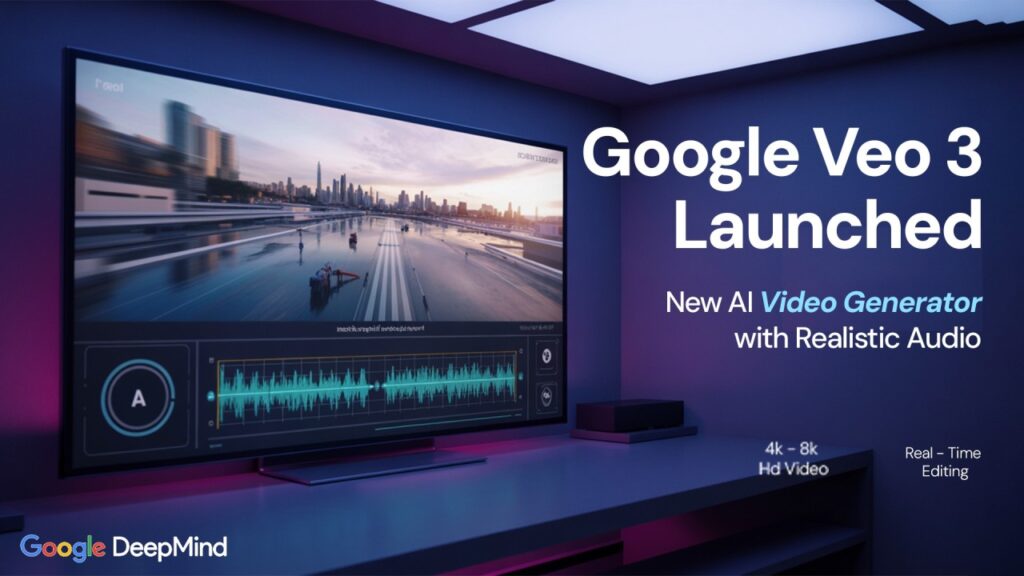
Veo is a very advanced software
through which people can create 3D animation videos on their mobile phones or laptops. It is a modern AI-based software that makes video creation very easy. After using it, you get short video clips that you can later combine to create a complete, high-quality video.
Its method of use is very simple. By using it, you can easily create your own content.
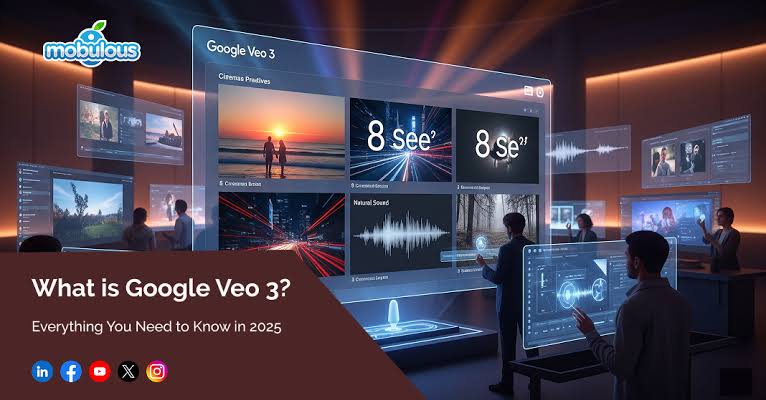
How to Use Veo 3
To use Veo 3, you first need to give it a prompt according to the type of video you want to create. The prompt must be clear and accurate.
After giving the prompt, click on the Generate option, and Veo 3 will start generating the video.
Each video clip will be 8 seconds long. You cannot generate videos longer than 8 seconds at one time. Later, you can combine multiple clips to create a complete video.
Veo 3 is a modern and powerful AI tool that provides an excellent facility for video creation.
Limitations of Veo 3
With Veo 3, you can only generate 8-second video clips.
If you want to create a longer video, you must give the prompt repeatedly.
Each time you give a prompt, you will receive an 8-second clip. By combining these clips, you can create a long video and upload it to any platform.
💲💰 Can You Earn Money with Veo 3?
Yes, you can earn money using Veo 3 through different methods, such as:
- YouTube
- TikTok
- Digital product ads
- And other platforms
Veo 3 helps you create content that can be monetized across these platforms.
Some Limitations ❌
- You cannot generate unlimited free videos.
- You cannot create explicit, adult, or illegal content.
- For generating more videos, you may need Google AI plans.
📌 Who Uses Veo 3? ✔️
- Content creators
- Social media marketers
- Ads and promotional video creators
- Educational learning material creators
These users commonly benefit from Veo 3.
⚠️ Important Note ✔️
This is an AI tool, not a movie or series that designs itself automatically.
To make it work, you must give it proper commands (prompts).
Why Is It Special? 🧐
This AI tool provides both video and audio together, which many other tools do not.
In other tools, you often have to create audio separately, but Veo 3 generates audio along with the video.
It provides HD video quality according to your needs.
It is a powerful platform that simplifies work by delivering video and audio together in a short time.
🎥 What Can You Do with Veo 3?
- Text to video
- Frame to video
- Short reels
- Video ads
- Educational learning videos
Key Features ✔️
One major advantage is that you only need to give one prompt.
For example, if you write: “A child is playing in a ground”, Veo 3 will generate the video, audio, and scenes automatically and deliver a high-quality video.
It creates scenes according to your prompt, manages the video flow, and synchronizes audio simultaneously.
You can also export the video in different quality formats.
Veo 3 is an excellent AI tool that provides high-quality AI-generated videos.
If you want, I can also:
- Rewrite this as a blog post
- Make it YouTube video description
- Create short promotional content
- Or simplify it further 😊